 All-in-One Messenger Hub
Create a Chatbot for Facebook Messenger
Automate your Facebook Page conversations with AI
Connect your Facebook Page with one click and let AI handle customer messages automatically. No coding required.
Why Create a Facebook Chatbot?
Engage your customers 24/7 without lifting a finger
24/7 Availability
Never miss a customer message. Your chatbot responds instantly, day or night.
Scale Your Business
Handle hundreds of conversations simultaneously without hiring more staff.
Instant Responses
Customers get immediate answers, improving satisfaction and engagement.
Save Time
Focus on what matters while AI handles repetitive questions.
One-Click Connection
Connect your Facebook Page in seconds with official Meta integration
Official Meta OAuth
Secure, official connection through Meta's API. No password sharing needed.
Instant Setup
Click connect, authorize, and you're ready to create your chatbot.
Multiple Pages
Manage chatbots for multiple Facebook Pages from one dashboard.
Secure & Private
Your data stays private. We never store your Facebook password.
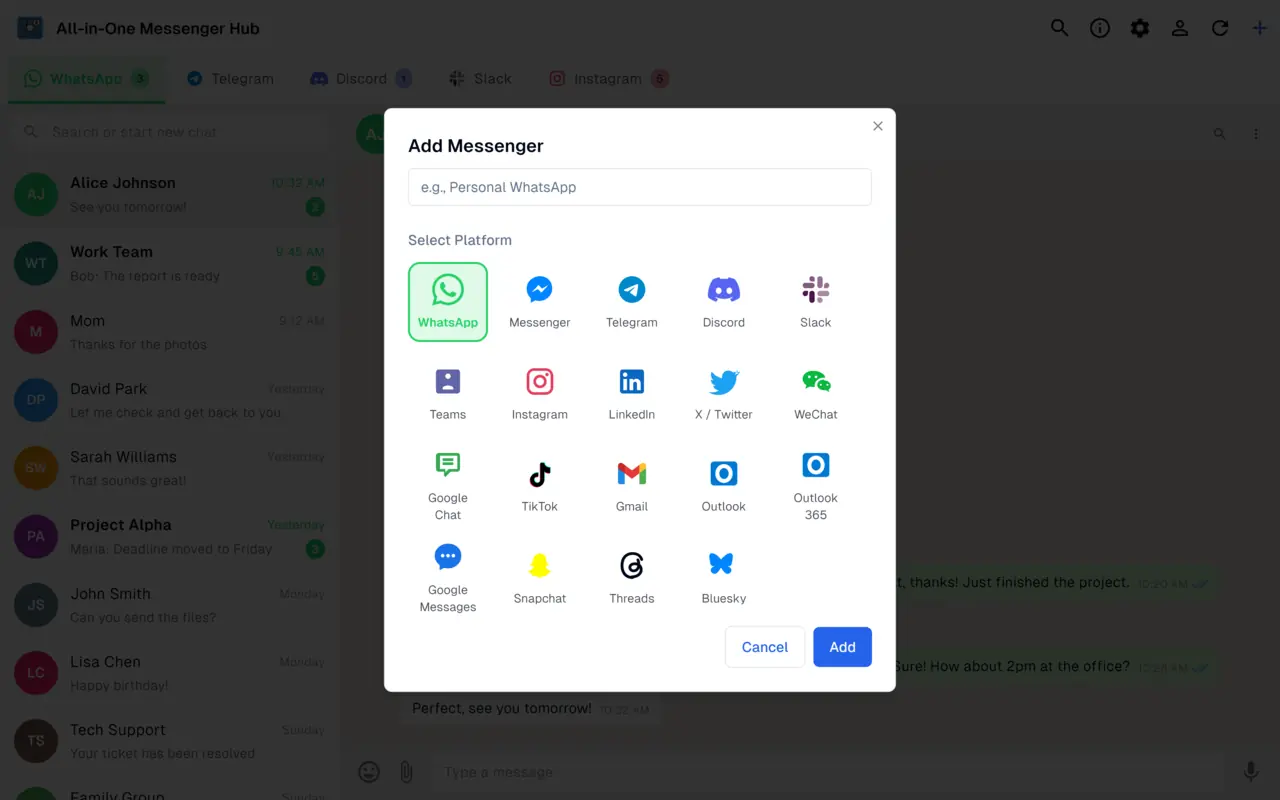
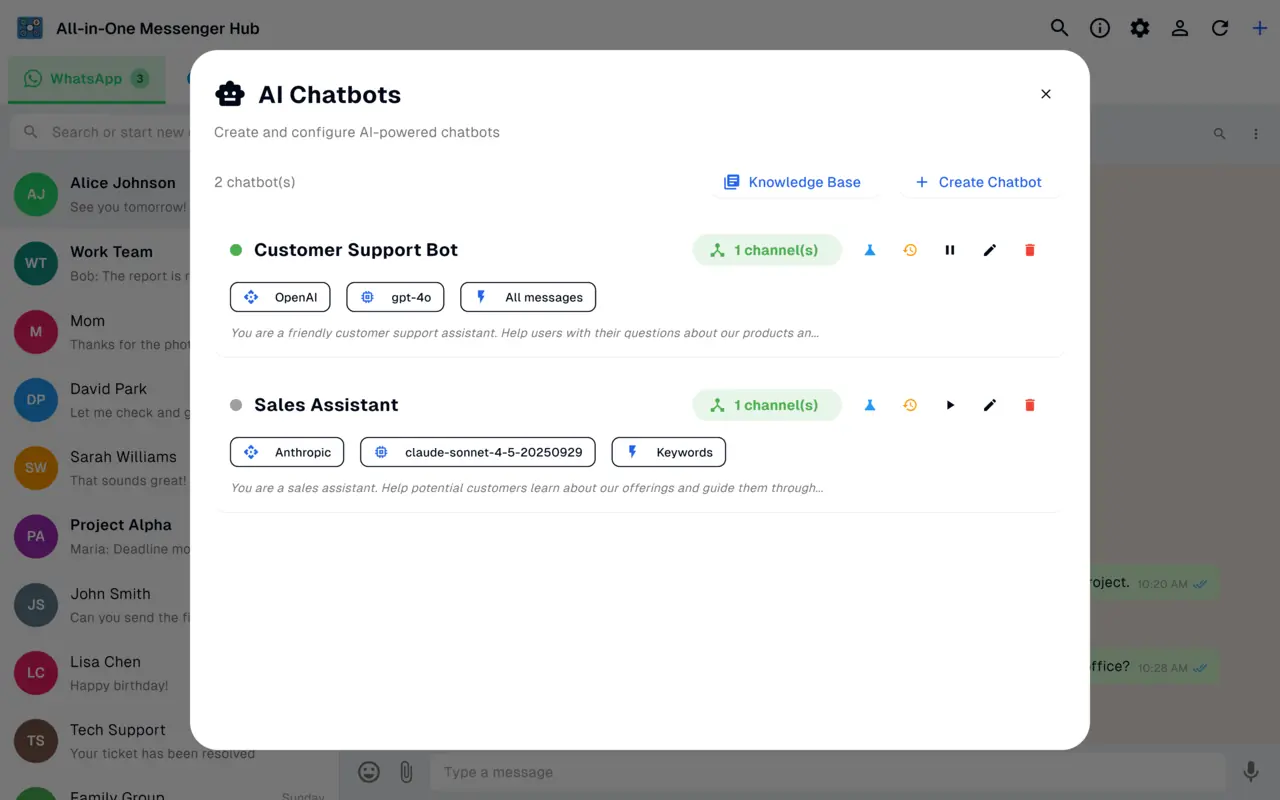
Intelligent AI Chatbot
Create smart chatbots powered by the best AI models
Multiple AI Providers
Choose from OpenAI (GPT-4), Claude, OpenRouter, or your own custom AI.
Custom Personality
Define how your chatbot talks, responds, and represents your brand.
Knowledge Base
Add your FAQs, product info, and business details for accurate answers.
Natural Conversations
AI understands context and provides helpful, human-like responses.
Give Customers Control
Users can control the chatbot with simple commands
/stop
Customer types /stop and the chatbot pauses for that conversation. They can talk to a human.
/start
Customer types /start to re-enable the chatbot for their conversation.
/ask
Forces an immediate response from the chatbot, skipping any delay.
Organize with Labels
Use Facebook's label system to control which conversations get automated
What Can Your Chatbot Do?
Answer FAQs
Instantly answer common questions about your business, hours, location, and services.
Customer Support
Handle support inquiries, troubleshoot issues, and guide customers to solutions.
Lead Generation
Qualify leads by asking the right questions and collecting contact information.
Product Information
Share product details, pricing, and availability automatically.
Appointment Booking
Help customers schedule appointments and send confirmations.
After-Hours Support
Provide helpful responses even when your team is offline.
Get Started in 5 Simple Steps
Connect Your Facebook Page
Click 'Connect with Meta' and authorize access to your Facebook Page. Takes just seconds.
Add Your AI Provider
Add your OpenAI, Claude, or other AI provider API key. One-time setup.
Create Your Chatbot
Give your chatbot a name and tell it how to respond. Add your business information.
Assign to Your Page
Link your chatbot to your Facebook Page. One chatbot can serve multiple pages.
Go Live
Enable your chatbot and start receiving automated responses immediately!
Ready to Create Your Facebook Chatbot?
Download now and set up your first chatbot in minutes