 All-in-One Messenger Hub
All Features
Everything you need to master your messaging workflow
Core Messaging Features
Everything you need to manage multiple messaging accounts
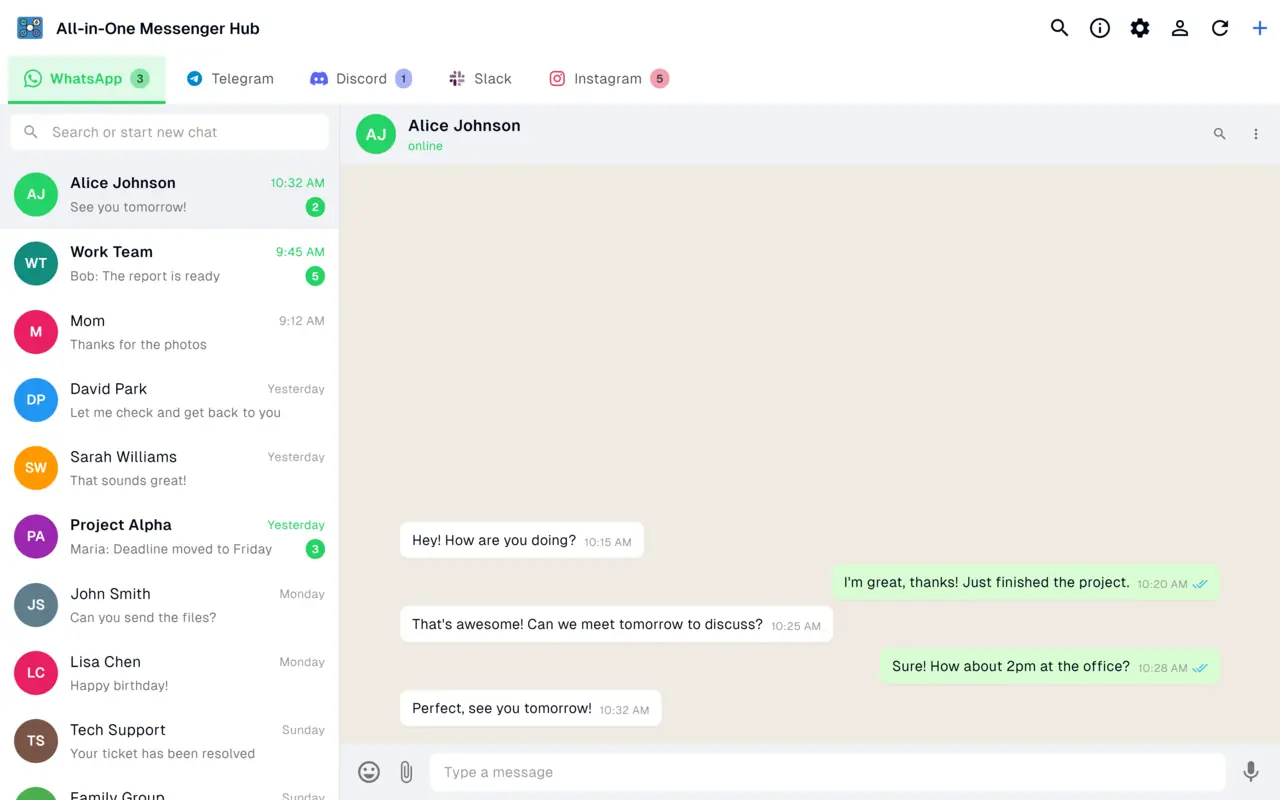
Multiple Accounts, One App
Connect every platform you use, each account in its own isolated session. Running several WhatsApp, Telegram or Discord accounts side by side is a one-time Pro upgrade.
Beautiful & Intuitive Interface
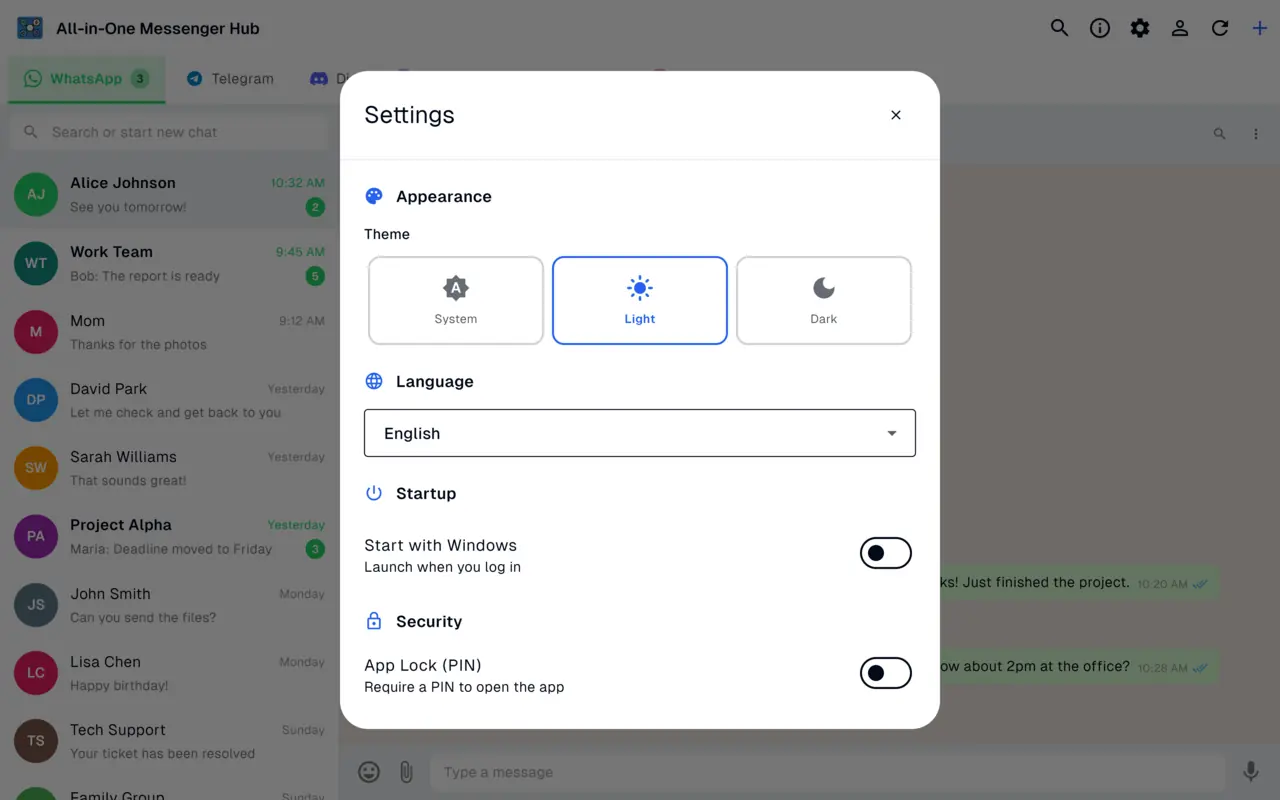
Colorful tabs for each account, unread message badges, light and dark themes, and a clean modern design that's a pleasure to use.
Smart Notifications
Never miss important messages with native Windows notifications, taskbar badges, and window title updates for each message.
Keyboard Shortcuts
Power user features including Ctrl+Tab for tab switching, Ctrl+1-9 to jump to specific tabs, and more productivity shortcuts.
18 Languages
Full support for English, Spanish, French, German, Arabic, Chinese, Japanese, Korean and 10 more languages, including right-to-left layouts.
Privacy & Security
Each account runs in its own isolated session, and your messaging sessions stay in local, private storage on your PC.
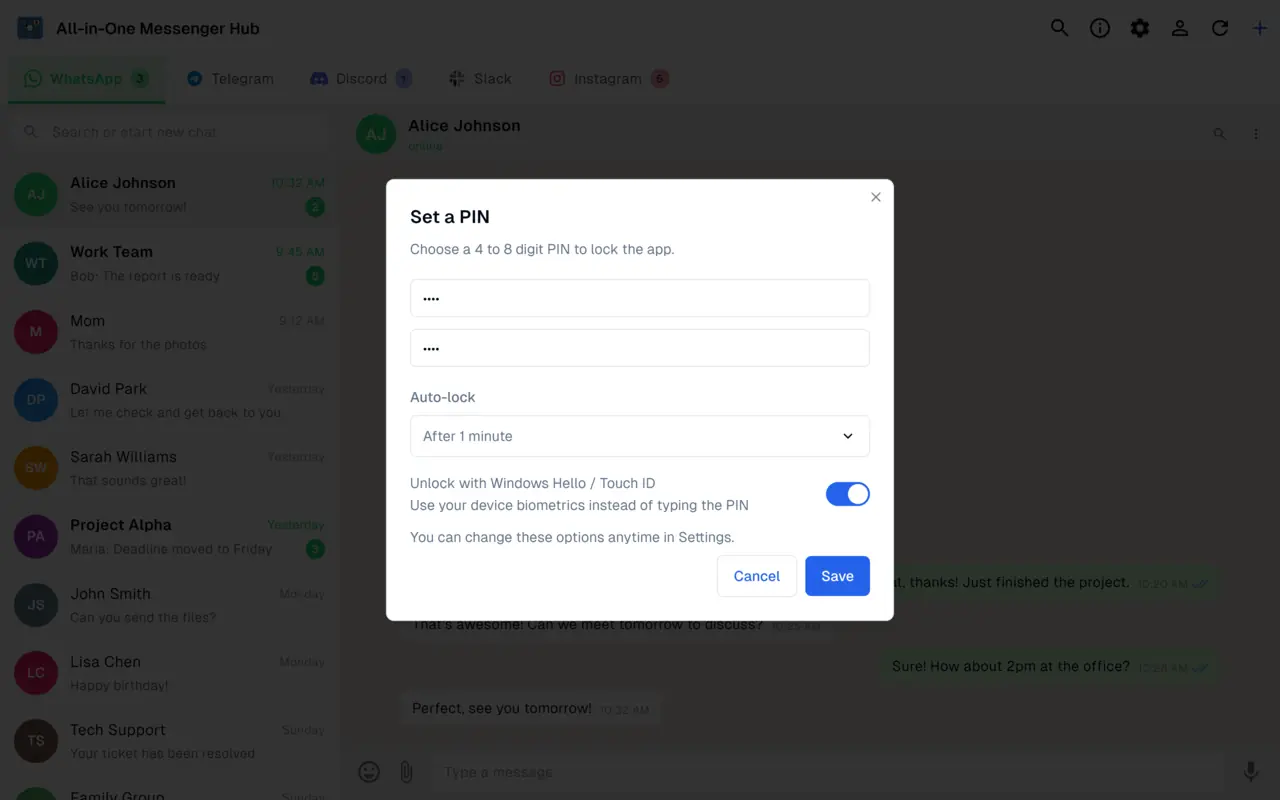
App Lock with PIN
Protect the app with a private PIN, biometric unlock and auto-lock, so your open sessions stay private when you step away.
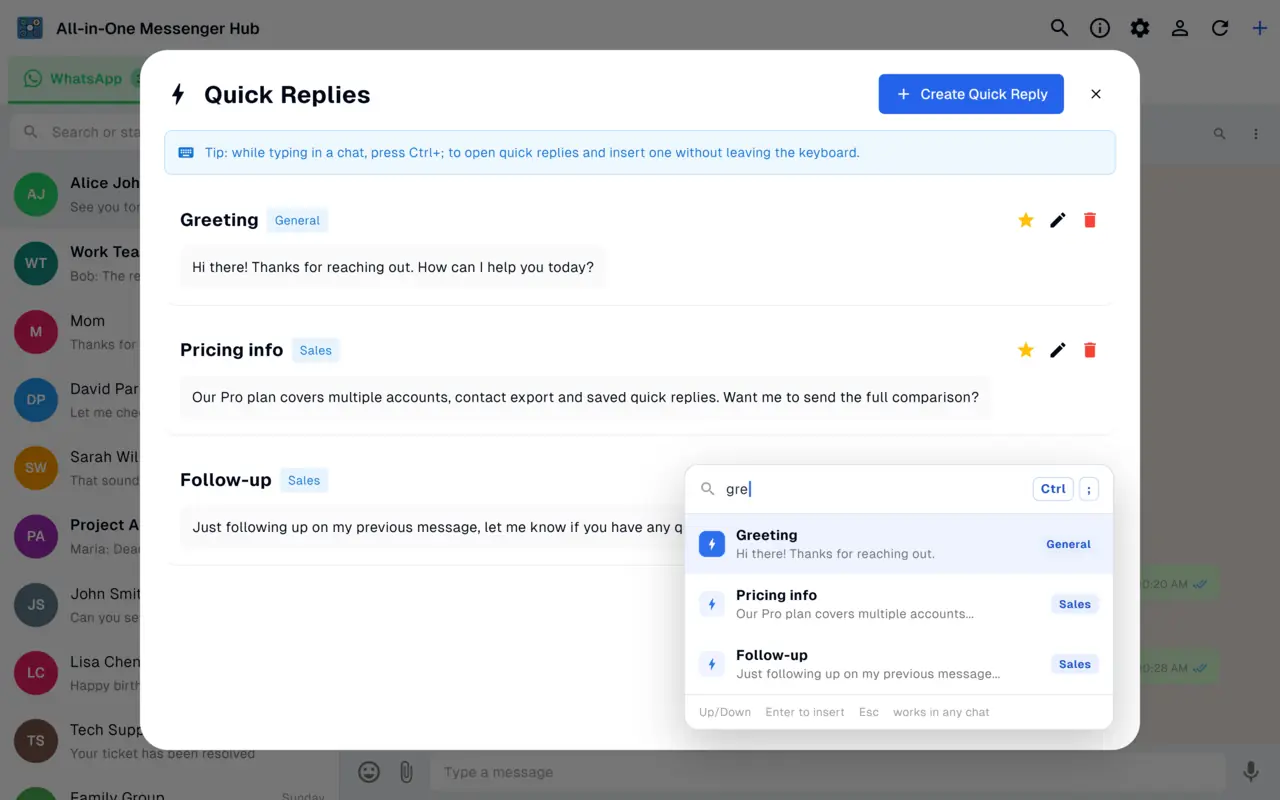
Quick Replies
Save canned replies once and insert them in any chat with Ctrl+;. Quick replies sync across all your devices.
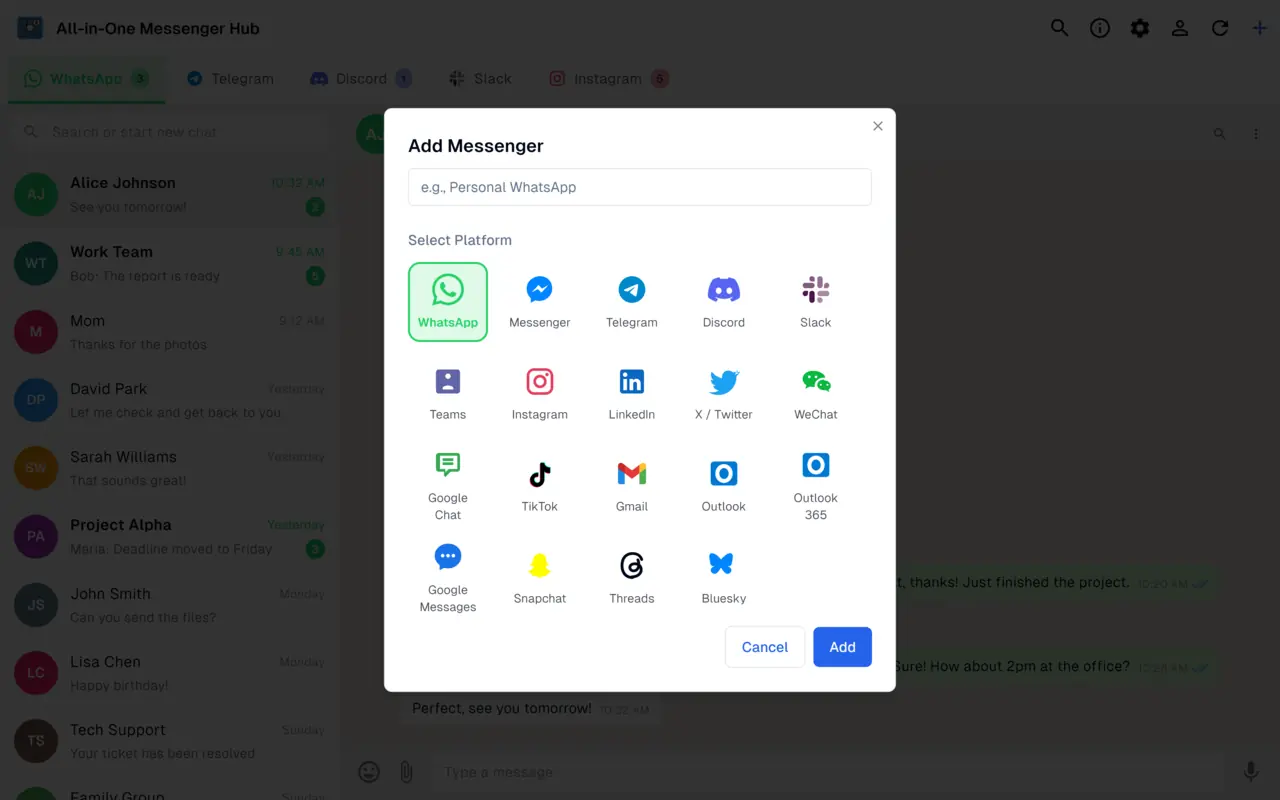
Multiple Accounts, One Window
Run several accounts of the same platform side by side, each in its own isolated session.
- ✓ Add multiple accounts per platform - two WhatsApps, two Messengers and more (Pro)
- ✓ 21 messaging and email services, from WhatsApp and Telegram to Gmail and Outlook
- ✓ Keep personal, business and client chats cleanly separated
- ✓ Each session stays isolated, with no cross-contamination between accounts
Lock the App with a PIN
Keep your open messaging sessions private, even on a shared or unattended PC.
- ✓ Private PIN code to unlock the app
- ✓ Biometric unlock with Windows Hello
- ✓ Auto-lock after a period of inactivity
Quick Replies, Everywhere
Save your canned replies once and reuse them in every chat.
- ✓ Synced across all your devices
- ✓ Insert instantly with Ctrl+; while typing
- ✓ Works on WhatsApp, Telegram, Messenger, Instagram and more
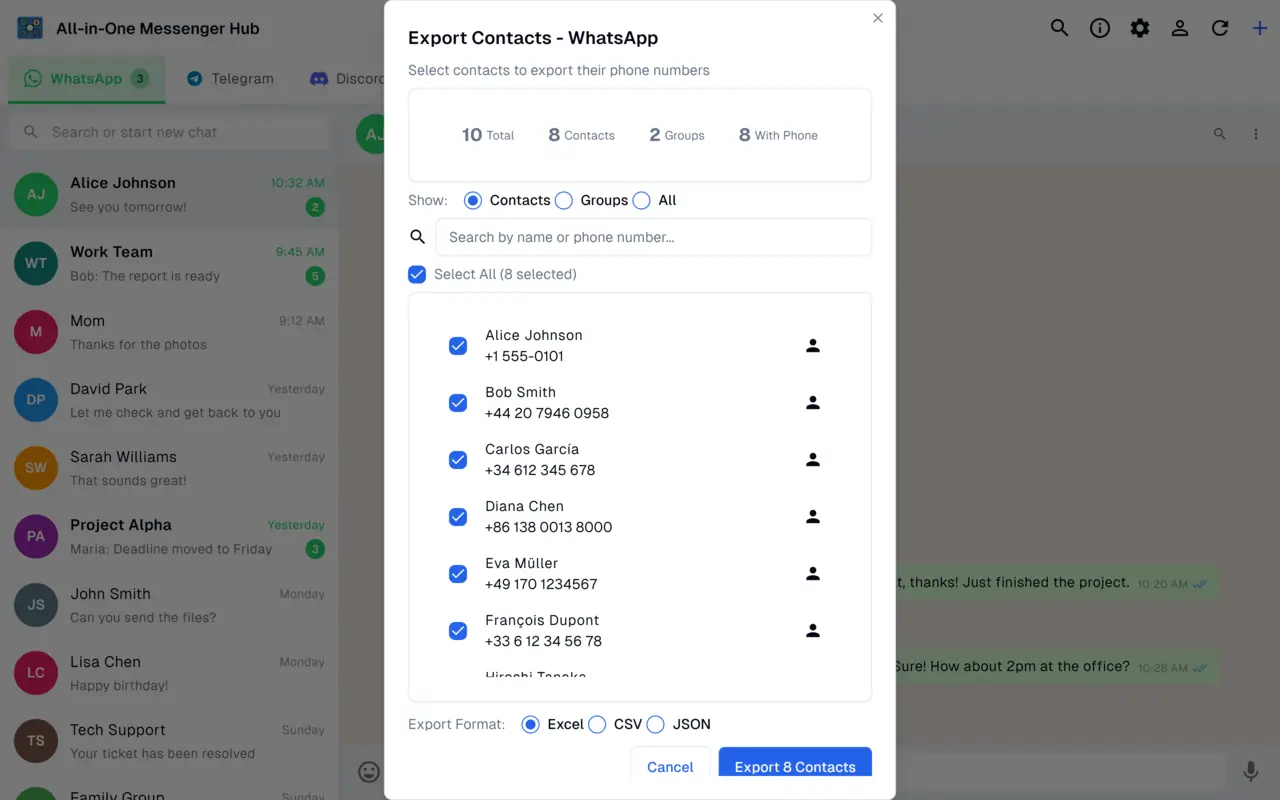
Export Contacts and Groups
Back up your WhatsApp contacts and groups, or move them into your CRM.
- ✓ Export to Excel, CSV or JSON
- ✓ Search and filter before you export
- ✓ Export contacts and group members
Productivity Boosters
Features designed to save you time and keep you organized
Launch at Startup
Auto-start the app when you turn on your computer for instant access
Quick Refresh
Manually refresh messages and synchronize across all platforms instantly
Drag & Drop Support
Share files between accounts with simple drag-and-drop functionality
Tab Management
Rename tabs, organize accounts, and customize your layout for quick access
Quick Find
Search for any messenger or account with instant navigation
Contact Export
Export contacts from your chats in Excel, CSV, or JSON formats
Available in 18 Languages
Use the app in your preferred language, including right-to-left layouts.
Light & Dark Themes
Switch between light, dark, or automatic system-based themes for comfortable viewing any time of day
Windows Integration
- ✓ Native Windows notifications
- ✓ Taskbar badge with unread count
- ✓ System tray support
- ✓ Windows 10+ compatibility
- ✓ WebView2 Runtime support
Always Reliable
Built for stability and performance
AI-Powered Automation
AI-Powered Automation
Create intelligent chatbots that automatically respond to messages with AI assistance.
Explore AI Chatbot FeaturesAdvanced WhatsApp Features
Unlock powerful WhatsApp automation beyond standard messaging.
Explore WhatsApp FeaturesReady to Try It?
Download All-in-One Messenger Hub for Windows today